Product & UX Strategy
They Signed Up for Your Trial. Why Didn’t They Come Back?

Updated on:
24 September 2026
SaaS onboarding, activation, and the gap between creating an account and getting something useful done.
A project manager discovers a tool that appears to solve a familiar problem: work is scattered across messages, and deadlines keep slipping through the cracks. They sign up for a trial, verify their email, and start exploring.
The product asks them to name a workspace, choose a business type, select a project template, and invite colleagues. A guided tour introduces the different areas of the interface. When it ends, they are looking at an empty project board. A meeting starts. They close the tab and return to their spreadsheet.
This is an illustrative scenario, not evidence from a particular client. But it raises an important question: did this person leave because the product was not useful, or because they had not managed to do anything useful before they had to stop?
If we only look at new accounts and returning users, those two explanations can look remarkably similar. For a product team, they point to very different decisions.
A successful signup solves the system’s problem first
Account creation is a clear event. There is an email address, a user ID, and a completion timestamp. Because it is easy to measure, it can become the milestone everyone optimizes around.
The user’s objective, however, is rarely to own another account. The project manager wants to know what needs attention, who is responsible, and which deadlines are at risk. A polished welcome screen does not answer those questions.
When discussing activation—helping a new user begin using a product meaningfully—we need to separate completing setup from achieving an initial useful outcome. For a project-management tool, a candidate milestone might be bringing a real task into the system, assigning an owner, and setting a deadline. That is still a hypothesis about value. We need to establish whether it actually helps the team coordinate work.
Intercom made a useful distinction in its 2016 account of “Day Zero.” This was the set of prerequisites that enabled a customer to begin receiving value, rather than proof that value had already been delivered. Its team also found a strong relationship between tracking custom customer data and retention. That was an observation within Intercom’s product, not a universal activation formula for SaaS. Source: Intercom’s Day Zero framework.
The practical question for an audit is therefore not simply whether users completed the required steps. It is what those steps enabled them to accomplish.
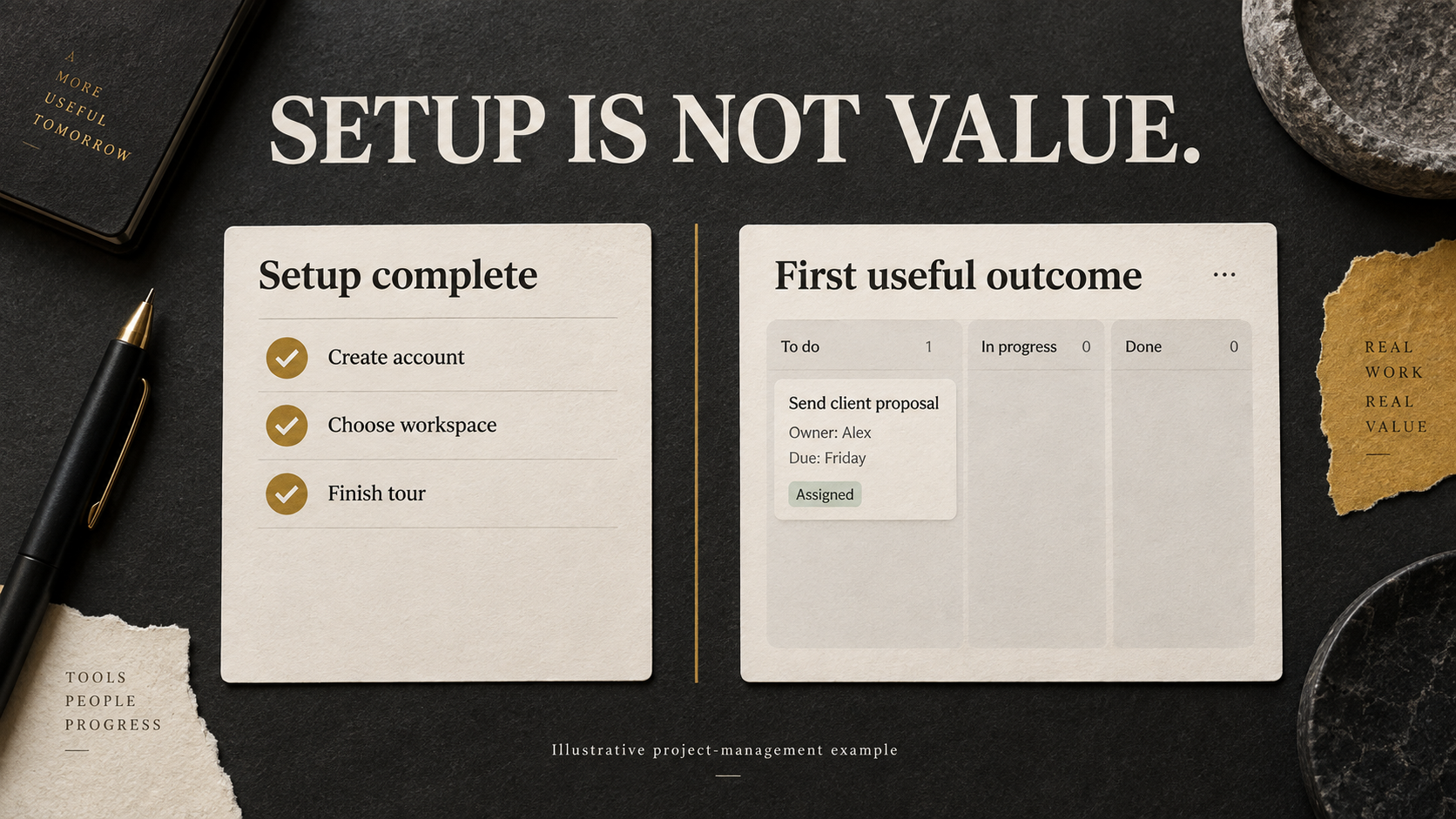
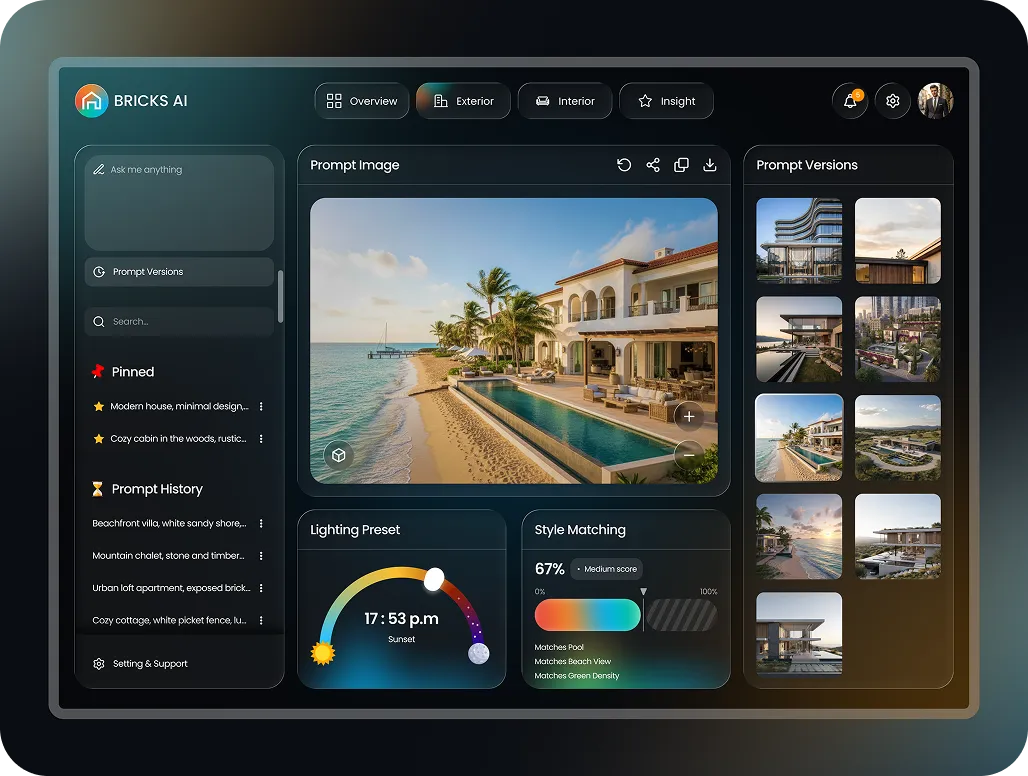
Completing a checklist is an operational milestone. Organizing real work is a candidate value milestone. Concept illustration, not a client product screenshot.
More guidance does not automatically create more understanding
When new users do not adopt a feature, adding explanations is an understandable response: a video, another tooltip, a checklist, or a longer tour. This only addresses the problem if missing information is the actual obstacle, and if the explanation arrives when it is useful.
Nielsen Norman Group’s 2023 analysis describes how out-of-context onboarding tutorials can be skipped, interrupt users, and become difficult to remember when people later attempt the task. It contrasts these with contextual help, including a Figma example that explains a text-layout change while the relevant tool is in use. The argument is not that all tutorials are pointless; unfamiliar interactions may still need dedicated instruction. Source: NN/g on onboarding tutorials and contextual help.
In our project-management example, explaining every menu first asks the newcomer to learn the software’s structure before addressing their work. An alternative worth testing is to start with a real task: enter what needs to be done, set a deadline, and explain assignment at the point where an owner is needed.
The outcome to assess is not whether someone watched the explanation to the end. It is whether they can subsequently perform the task without having to search for the explanation again.
The same reasoning places a limit on adding an AI chatbot to onboarding. If progress depends on missing data or an administrator’s approval, a fluent explanation does not itself remove that dependency. A useful assistant might help prepare the request, explain access requirements, or hand the task to the appropriate person. These are design possibilities to test—not evidence that adding conversational AI will improve activation.
The same exit point can conceal different problems
Suppose many accounts stop at the data-connection screen. “This screen is too complicated” is plausible, but it remains a hypothesis.
One person may discover that the required data source is unsupported. Another may not understand which connection to choose. A third may know exactly what to do but lack administrator privileges. Someone else may be unwilling to provide real business data to an unfamiliar service.
Changing a button color or shortening the description will not address all four situations. A missing integration is a product-capability problem. An unclear choice concerns information design. Missing permissions require coordination with someone who has access. Concerns about data require credible information and appropriate controls.
Intercom reported a related obstacle in 2019. It had required people to install code or import data during signup, blocking those unable to complete these technical tasks. Allowing account creation before those steps enabled more people to progress through onboarding. The public account does not provide a numerical conversion lift, so it should not be turned into a percentage improvement claim. Source: Intercom on onboarding business customers.
The relevant lesson for a B2B SaaS audit is to check who can do what. The person signing up may not be the administrator, the buyer, or the person responsible for introducing the tool to the wider team.
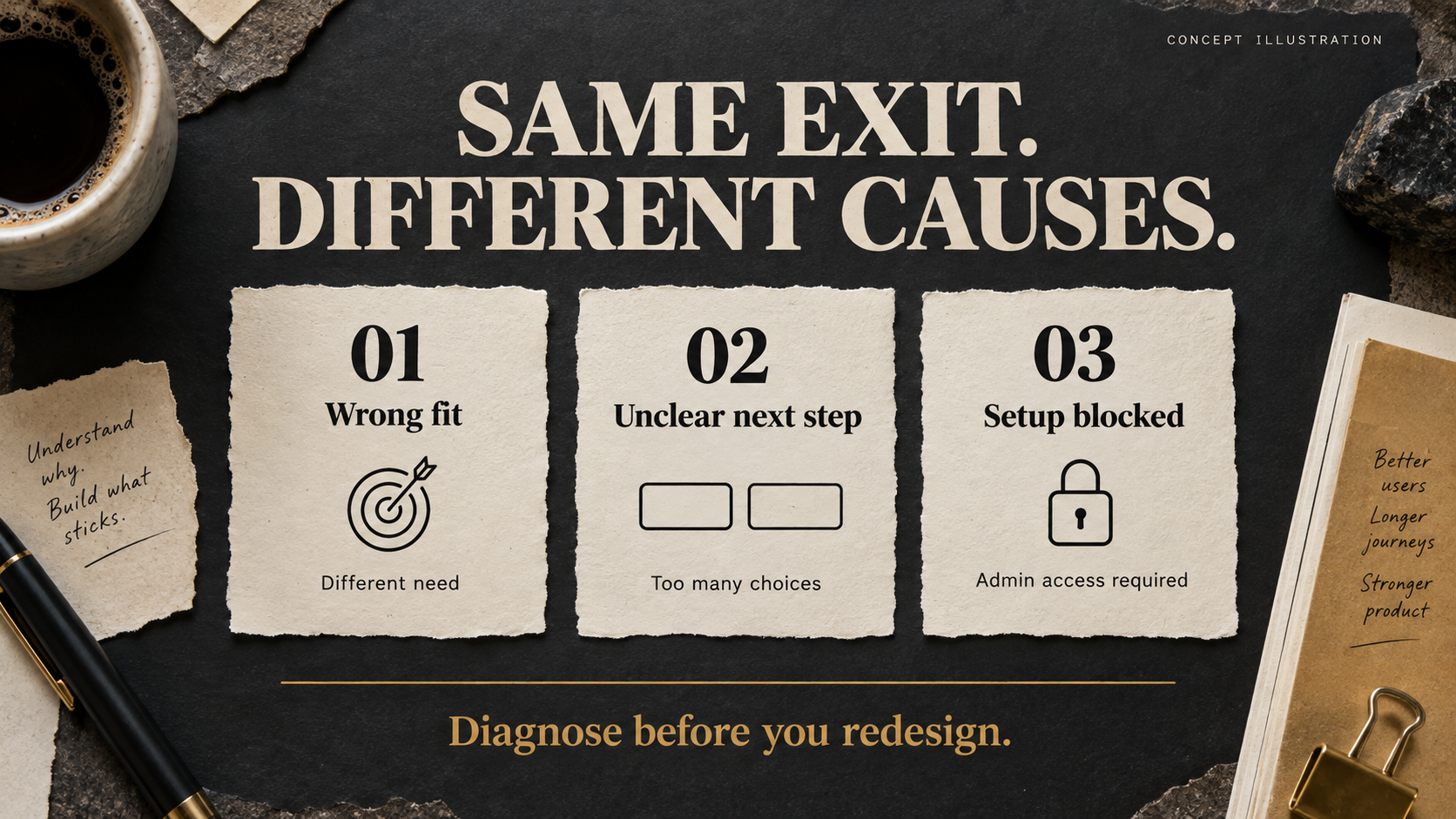
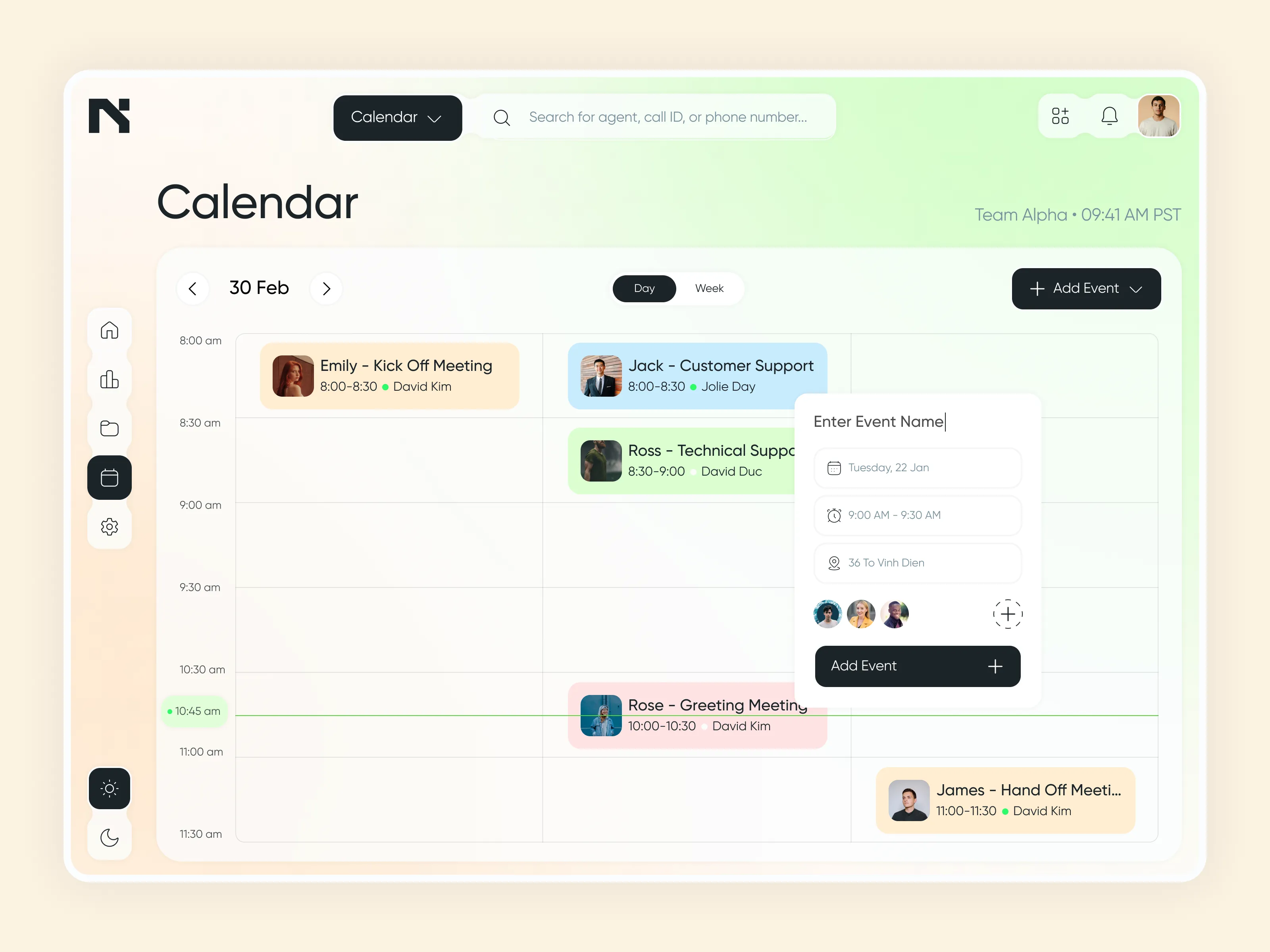
The same exit can call for different interventions. These are three diagnostic possibilities, not an exhaustive classification of why users leave. Concept illustration.
Shortening onboarding can merely move the obstacle
Making a step skippable does not make its underlying requirement disappear. If an analytics tool has no data, reaching the dashboard sooner does not make its reports useful.
This is where “reducing friction” needs a more precise definition. Some requirements primarily serve the company’s appetite for information. Others are necessary for the product to function correctly, operate safely, or produce a trustworthy result. An audit needs to distinguish between them.
Empty states deserve particular attention. Nielsen Norman Group’s guidance on complex applications describes them as opportunities to communicate system status, support learning, and direct action. An empty panel should not leave a user guessing whether there is no data, something is loading, or something has gone wrong. Source: NN/g on designing empty states.
Consider a hypothetical marketing analyst evaluating a reporting tool while waiting for an administrator to approve a connection. Sample data could let the analyst explore the reporting workflow. However, the sample must be clearly labeled, and the interface must explain what remains unavailable without a real connection. A dashboard full of convincing charts should not imply that setup is complete.
Another option would be to help the analyst send the appropriate administrator a request that explains the purpose and scope of access. Their progress should remain available when they return. Both ideas are proposed interventions to validate in context, not reasons to bypass security controls or promises of a retention lift.
The objective is not to force every onboarding experience into three steps. It is to let people complete the work they can do, understand the remaining dependency, and know how to resolve it.
A behavior associated with retention is not necessarily its cause
Once a team identifies early milestones, it often compares people who performed an action with those who did not. If the first group returns more frequently, the action can quickly become a mandatory checklist item.
There is an alternative explanation: people with a stronger underlying need may both explore more actively and be more likely to return. Requiring a less motivated user to perform the same action does not establish that they will receive the same value.
Amplitude’s published Calm case illustrates why this distinction matters. Initially, fewer than 1% of users discovered and enabled meditation reminders; those users had almost three times the retention of users who did not. Calm then tested prompting people to set a reminder after their first completed meditation. According to the case study, 40% of those shown the prompt enabled reminders, and reminder setters in this group showed a similar retention advantage. Source: Amplitude’s Calm case study.
Calm is a meditation app, not B2B SaaS. The public case also does not disclose enough experimental detail to infer a threefold causal improvement for the entire user population. The useful lesson is to investigate an association through an intervention, not to copy the reminder feature or reuse the “three times” figure as a forecast.
In a project-management product, a relationship between teammate invitations and retention should prompt more than “How do we make everyone invite a teammate?” Do invitations lead to actual collaboration? Does the recipient understand why they were invited? Is there already meaningful work to collaborate on?
A sent invitation confirms that an action happened. It does not confirm that coordination improved.
Start the audit with the user’s work, then return to the interface
A practical starting point is one user group and one important job, rather than a single aggregate assessment of the entire onboarding flow.
For a team lead at a small agency, the initial job might be bringing an active project into the tool and clarifying task ownership. For an employee invited into that same workspace, it might simply be finding an assigned task and updating its status. They use the same product but do not necessarily need the same introduction.
This is also where behavioral data and observation need to work together. Nielsen Norman Group distinguishes qualitative research, which helps identify usability problems and understand why they occur, from quantitative research, which measures performance and supports comparisons. A funnel can identify a point of loss; the number alone does not explain the misunderstanding or tell the team how to fix it. Source: NN/g on quantitative and qualitative usability research.
Support requests and error logs can add evidence about obstacles that a page-view event does not reveal. If session recordings are used, sensitive information should be masked and the collection should follow applicable notice, consent, and privacy requirements.
Most importantly, express the proposed improvement in a form that can be wrong. “Make onboarding more intuitive” is difficult to test. “New project creators cannot distinguish between templates; previewing the task structure should help them select an appropriate template with fewer reversals” identifies an audience, an obstacle, and an observable result.
If research does not reveal that obstacle, there is a reason not to build the solution. An audit is useful not only when it identifies work to do, but also when it removes unsupported work from the roadmap.
Measure whether people can do the work, not just move forward
Before evaluating a change, define the intended outcome. Setup completion remains useful, but it should sit alongside successful completion of a meaningful task and subsequent use of that capability. Task success is an established usability measure; it is not interchangeable with a page visit or a completed product tour. Source: NN/g on task success rate.
Time to the first useful outcome also needs careful interpretation. If the calculation includes only successful users, the average may improve even while more people abandon the process. Report it alongside the proportion of eligible users who reach the outcome within a predefined window. This makes the denominator visible rather than hiding unsuccessful attempts behind a faster completion time.
For products serving teams, distinguish individual activity from account-level adoption. Amplitude’s account-level reporting documentation makes this distinction explicit: a group funnel can include steps performed by different members of the same account, whereas an individual funnel follows one person. This matters when one employee starts setup, an administrator connects data, and another colleague uses the result. Source: Amplitude on account-level reporting.
An administrator opening the dashboard every day does not establish that the team has adopted the workflow. Likewise, a login prompted by an email is not, by itself, evidence that the user received further value. Choose return events that reflect the product’s intended use rather than treating all activity as equivalent.
Comparisons also need consistent observation periods. A cohort that signed up a few days ago cannot yet establish four-week retention. Amplitude’s retention documentation explicitly identifies incomplete intervals and excludes immature data from relevant aggregate calculations. Check how your own analytics tool handles this before comparing cohorts. Source: Amplitude retention analysis FAQ.
Alongside cohort age, examine acquisition source and user role. A shift toward lower-intent signups can change the aggregate result without any interface change. Where usage volume supports an adequately designed controlled experiment, test the intervention. Where it does not, use task observation and qualitative evidence to investigate the mechanism, while being explicit that this does not establish a population-wide percentage lift.
Finally, not every departing user needs to be retained. Some are a poor fit, some do not need the product yet, and some products genuinely fail to solve the promised problem. Onboarding cannot substitute a more persuasive sequence of instructions for product value.
But before concluding that people do not want to use the product, establish whether they had a reasonable opportunity to use it successfully. The difference may be an unclear choice, an unapproved permission, or a useful result placed too far behind preparation.
People do not sign up to learn another piece of software. They sign up because they have work to do. The quality of the initial experience should be judged by the distance between those two things.
Related reading: They Added It to Their Cart. What Made Them Change Their Mind? explores the same distinction between an observed drop-off and its underlying cause in ecommerce.
YOU MAY ALSO LIKE

Let us
GROW
.webp)
your

business!